One WhatsApp Number for Your Whole Team: No More Missed Chats
Learn how a shared WhatsApp team inbox lets you assign chats, track replies, and serve customers faster — without the confusion.
By Botify Team
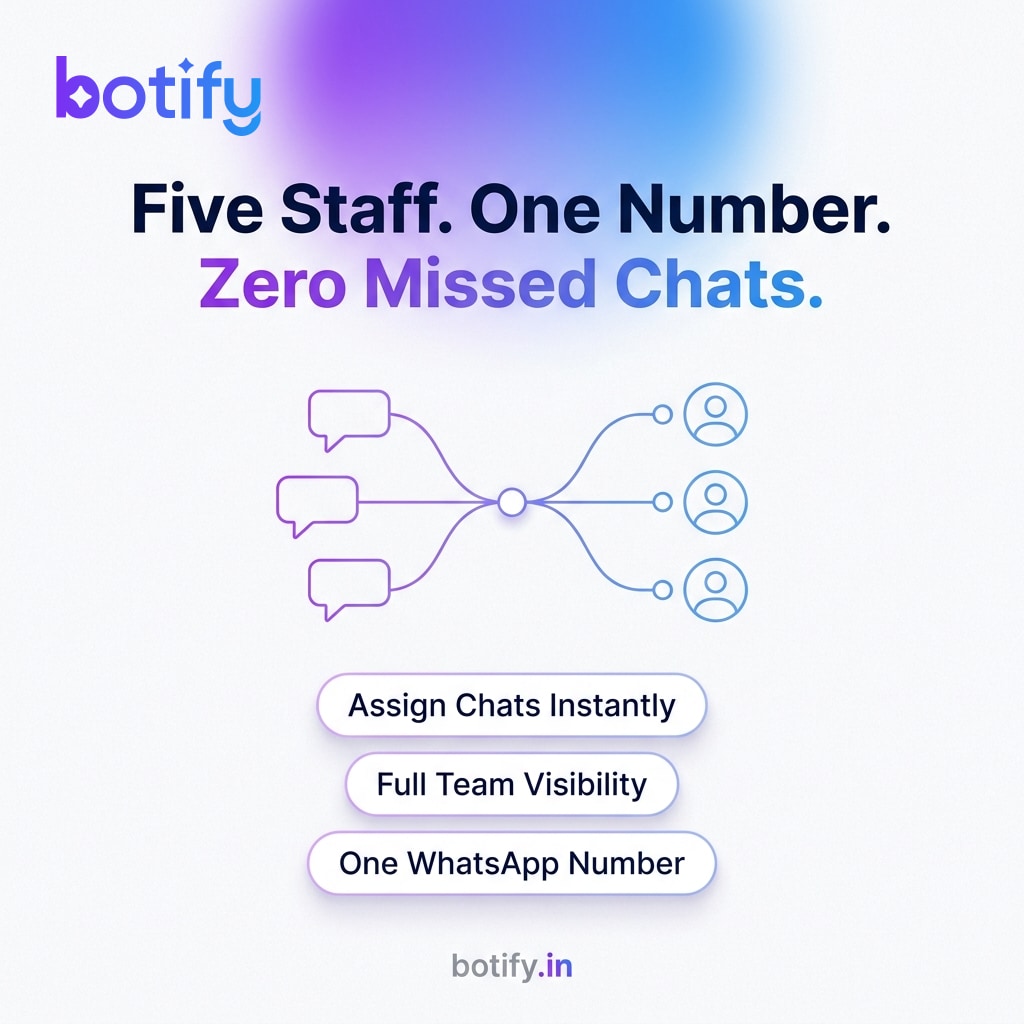
Here is a situation most small business owners know well. A customer sends a WhatsApp message in the morning. One staff member sees it and thinks another person will handle it. That other person assumes the first has already replied. By the afternoon, the customer is still waiting — and they have already called your competitor.
The problem is not your team's attitude. It is the setup. When multiple people share one WhatsApp number without a system, confusion is the default outcome. A shared team inbox changes that by turning a single WhatsApp number into a structured workspace where every conversation has a clear owner, a visible status, and a fast resolution.
Why Sharing a Phone Is Not the Same as a Shared Inbox
Many small businesses handle this by passing a phone around, logging into the same WhatsApp account on different devices, or using a WhatsApp group to coordinate. All three approaches fail in the same way — there is no accountability. Anyone can read a message, but no one is formally responsible for it.
A proper shared inbox is different. It sits on top of the WhatsApp Business API, which is designed for multi-agent, multi-device access. Each team member logs in with their own credentials, sees only the conversations relevant to them, and operates within a system that records who did what and when. The number your customers message stays the same. The chaos behind it disappears.
The Four Things a Good Team Inbox Must Do
Before choosing any tool, make sure it covers these four functions. If it misses even one, you will rebuild the same problems in a new place.
- Assignment — Every incoming chat should be assignable to a specific team member with one click. The assignee gets notified immediately so nothing sits unread.
- Status tracking — Conversations should move through clear stages such as open, in progress, waiting, and resolved. At a glance, any manager should be able to see the state of every active chat.
- Internal notes — Staff need to leave comments visible only to the team, not the customer. This is how you brief a colleague before they take over a conversation or escalate an issue without confusion.
- Collision prevention — The system should show who is currently typing or viewing a chat. Without this, two agents reply simultaneously and the customer receives contradictory messages.
How to Structure Your Team for WhatsApp Support
Technology alone does not fix a disorganised team. You also need a simple operating agreement that everyone understands on day one.
- Define response-time expectations. Decide as a team what 'fast' means — for most SMBs, replying within fifteen minutes during business hours is a realistic and meaningful standard.
- Assign primary owners by topic or shift. A clinic might assign appointment queries to one staff member and billing questions to another. A retail store might split by morning and evening shifts.
- Set an escalation path. When a staff member cannot resolve a chat, who do they reassign it to? Name that person and make sure everyone knows.
- Review open chats at the start and end of each shift. A two-minute scan of unresolved conversations prevents anything from slipping overnight.
- Keep internal notes factual. Notes like 'customer asked about exchange policy, waiting for confirmation from manager' are useful. Vague notes like 'complicated' are not.
What This Looks Like in Practice for Different Businesses
The mechanics of a team inbox are the same regardless of your industry, but the way you use it varies.
Clinics and healthcare practices
Patient queries often involve sensitive information and require a specific person to respond — a doctor's assistant, a billing coordinator, or a reception staff. Assignment by role ensures patients are not passed between three people before getting an answer. Internal notes let staff brief the next shift without the patient needing to repeat themselves.
Retail and e-commerce
Order status, return requests, and product availability questions can flood in during a sale. A team inbox lets you distribute the load across your staff in real time. When one agent is at capacity, a manager can reassign chats instantly rather than watching the queue grow.
Service businesses — agencies, consultancies, tutoring centres
Here, context is everything. A client enquiry might reference a conversation from last week. With a full conversation history attached to each chat and internal notes from the previous agent, any team member can pick up the thread without asking the client to start over.
Setting Up Your Team Inbox: A Quick Checklist
If you are ready to move from a shared phone to a proper system, work through this list before you go live.
- Connect your WhatsApp Business number to a WhatsApp Business API provider. This unlocks multi-agent access.
- Create individual logins for each team member — never share one login across multiple people, or you lose accountability.
- Define at least three conversation labels or status tags that match your actual workflow.
- Assign a team lead who reviews unassigned chats at least twice a day during the first month.
- Brief every team member on internal notes etiquette before launch day.
- Test the collision-prevention feature by having two agents open the same chat simultaneously, so everyone sees how it works.
- Review resolution times weekly for the first month and adjust assignments based on where bottlenecks appear.
One Number, Many Hands, Zero Dropped Conversations
The goal of a shared team inbox is not to add more software to your stack. It is to make sure that every customer who messages your business feels like they are talking to one attentive, responsive team — regardless of which staff member is actually on the other side.
Platforms like Botify include a team inbox as part of their WhatsApp Business API offering, so assignment, tracking, and internal notes all sit inside the same workspace your team already uses for broadcasts and automation. The setup is straightforward, and the difference in customer experience is immediate.
Accountability is the simplest customer service upgrade available. When one person owns a chat, that chat gets resolved.
If your team is still passing a phone around or hoping someone else will handle the next message, that is the signal. The fix is not a longer shift — it is a better system.
See how Botify works for your business