How to Build a Lead-Qualifying WhatsApp Bot (No Code)
Learn how to design a drag-and-drop WhatsApp chatbot that qualifies leads and books appointments automatically — step by step, no developer needed.
By Botify Team
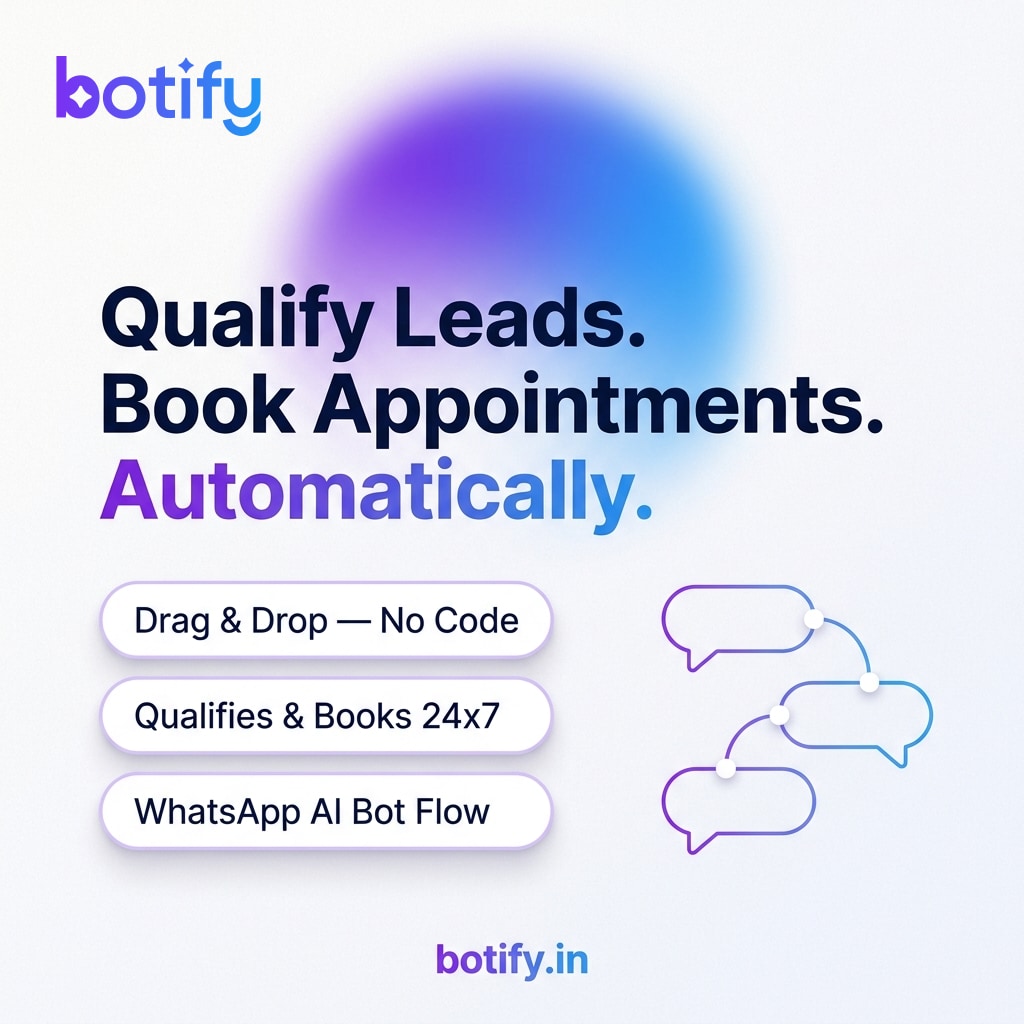
Every missed reply is a missed sale. When someone messages your WhatsApp number at 9 PM on a Sunday, they are not going to wait until Monday morning for a response — they will just move on to the next business they find. A well-designed WhatsApp chatbot flow solves this by acting as your first point of contact around the clock: it asks the right questions, filters out tyre-kickers, and drops a confirmed appointment on your calendar before you even wake up.
The good news is that building this kind of bot no longer requires a developer or a single line of code. Modern drag-and-drop flow builders let you map out the entire conversation visually, test it in minutes, and go live the same day. Here is exactly how to do it.
Understand What the Bot Actually Needs to Do
Before you open any tool, write down the three things your bot must accomplish. First, it needs to greet the lead and set a friendly, professional tone. Second, it needs to collect the information your team actually uses to decide whether a lead is worth pursuing — things like service needed, budget range, location, or preferred time slot. Third, it needs to convert a qualified lead into a booked appointment, either by showing available slots or by promising a callback at a specific time.
Resist the temptation to ask ten questions in a row. Three to five focused questions is usually enough. More than that and people drop off mid-conversation. Think of it less like a form and more like a quick chat with your front-desk staff.
Map Your Conversation Flow Before You Build
Sketch the flow on paper or a whiteboard first. A simple service business flow looks like this:
- Trigger: User sends any message to your WhatsApp number for the first time.
- Welcome message: Greet them by name if available, introduce your business in one sentence, and ask what they need help with. Use quick-reply buttons for your top two or three service categories.
- Qualification branch: Based on their choice, ask one or two follow-up questions specific to that service. For a clinic this might be the type of appointment; for a real estate agent it might be budget and area.
- Soft filter: If the lead does not meet your minimum criteria (for example, budget too low or location outside your service area), politely let them know and offer an alternative such as a resource or a referral.
- Booking step: For qualified leads, present two or three available time slots as quick-reply buttons. Confirm the chosen slot with a summary message.
- Handoff: Send an internal notification to your team with the lead's details and booked time so a human can prepare for the appointment.
Build It With a Drag-and-Drop Flow Builder
Once your sketch is ready, open your WhatsApp platform's visual flow builder — in Botify this is a canvas where you drag message nodes, condition nodes, and action nodes onto a board and connect them with lines. Here is the practical build process:
- Start with a trigger node. Set it to fire when a new contact sends their first message, or when someone arrives via a Click-to-WhatsApp ad.
- Add a text node for your welcome message. Keep it under three lines. Attach quick-reply button options for your service categories — buttons get far higher tap rates than asking someone to type a free-text answer.
- Create a condition node after each button. Each branch represents a different service path with its own follow-up questions.
- Use input nodes to capture free-text answers when you genuinely need them, such as a name or a preferred date.
- Add a date-picker or slot-selector node for the booking step. If your calendar tool supports an API connection, link it here so appointments are added automatically.
- End each qualified path with a confirmation message and an internal alert node that pings your team on WhatsApp or email.
Qualify Smarter With Conditional Logic
The real power of a flow builder is branching. You are not sending every lead down the same path — you are routing them based on their answers. A few practical ways to use conditions:
- If a lead selects a service category you have paused or do not offer in their area, branch them to a polite message that sets expectations rather than letting them reach a dead end.
- If a lead types a budget figure below your minimum, route them to a different message that explains what is included at higher price points, giving them a chance to reconsider rather than just cutting them off.
- If a lead has previously messaged you, detect the returning contact and skip the welcome script — jump straight to asking how you can help them today.
- Tag leads automatically based on which service they selected so your CRM or team inbox is already organised before a human gets involved.
Test, Launch, and Improve Over Time
Most flow builders have a built-in test mode. Use it. Send yourself through every branch — qualified path, unqualified path, and edge cases like someone typing an unexpected word instead of tapping a button. Fix anything that leads to a dead end or a confusing response.
When you go live, monitor the first week closely. Look at where people drop off in the conversation. If most people stop after question two, that question is probably too vague or too personal. If the booking step has a high drop-off, your time-slot options may not be convenient. Adjust the flow based on real behaviour, not assumptions.
After the first round of tweaks, the bot becomes largely self-sustaining. Your team handles only the confirmed, qualified appointments — not the back-and-forth of figuring out whether someone is a genuine lead at all. That is the real payoff: your best people spend their time closing, not screening.
Build the flow once. Every new lead that messages you from that point on gets an instant, consistent, professional response — whether it is 10 AM on a Tuesday or 11 PM on a holiday.
Who Benefits Most From This Setup
This approach works for any service business where the sales process starts with a conversation and ends with a scheduled meeting or visit. Clinics and diagnostic centres can triage patient inquiries and book slots without front-desk staff spending hours on the phone. Coaching and training institutes can qualify prospective students by course interest and batch timing before a counsellor calls. Real estate agents can filter leads by budget and locality before arranging site visits. Salons, fitness studios, and legal consultancies follow the same pattern.
If your business takes appointments and your leads come in on WhatsApp, you have everything you need to build this today. Start with a simple three-question flow, get it live, and expand it once you see how leads actually move through it.
See how Botify works for your businessMore reading
View all articles