How an AI Agent Stops You Losing Leads While You Sleep
Missed overnight WhatsApp enquiries cost real revenue. Learn how an AI Agent qualifies leads, shares details, and books appointments 24x7.
By Botify Team
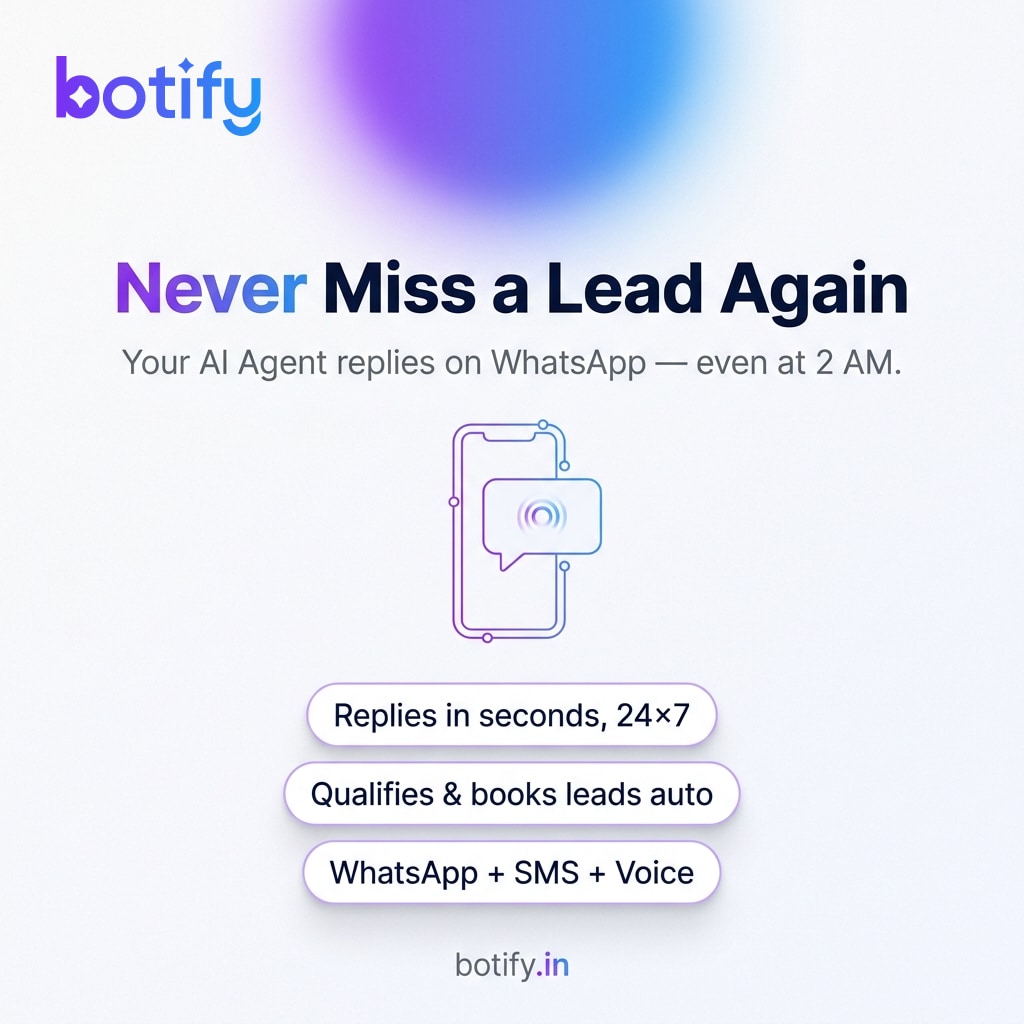
Picture this: it is 11:47 PM on a Tuesday. A potential customer has just finished comparing options on their phone and decides to WhatsApp your business asking for a price. You are asleep. Your team is asleep. The message sits there, unread. By the time someone opens it at 9 AM, that person has already booked with someone who replied within minutes. The lead is gone, and you never even knew it existed.
This is not a rare edge case. A large share of consumer WhatsApp messages are sent outside standard business hours — evenings, late nights, early mornings, and weekends. For Indian SMBs that depend on inbound enquiries, every unanswered message is a real revenue leak. An AI Agent is the practical fix. Here is how it works, what it can actually do, and how to set yours up properly.
Why Speed Matters More Than You Think
There is a simple reason fast replies win: the person asking has already made a decision to buy. They are in the moment of intent. They are comparing two or three options and whoever responds first earns the trust conversation. If your reply arrives eight hours later, that intent has cooled or moved elsewhere. It does not matter how good your product is — you were not there when it counted.
The problem is not that business owners are lazy or disorganised. It is that humans cannot be available every hour of every day, and hiring someone purely to cover night shifts for enquiries is not practical for most small businesses. That gap is exactly what an AI Agent is designed to close.
What an AI Agent Actually Does on WhatsApp
An AI Agent is not a basic chatbot that sends a canned 'Thanks for your message, we will reply soon.' It is a trained, conversational assistant that can handle the full first leg of a customer interaction, intelligently and without human help.
- Greet the customer by name if WhatsApp provides it, and ask what they need
- Understand free-text questions, not just button taps, so customers can type naturally
- Share product details, service descriptions, pricing guides, or FAQs from a knowledge base you set up
- Ask qualifying questions — budget, timeline, location, use case — so your team gets a warm, informed lead rather than a cold opener
- Book appointments directly into your calendar or collect a preferred time slot
- Send images, PDFs, or catalogues relevant to what the person asked
- Escalate to a human agent the moment the conversation goes beyond the agent's scope or the customer requests a person
The Three Scenarios Where It Pays for Itself
Scenario 1 — The 2 AM Price Check
A customer messages asking what a service costs. The AI Agent replies with a clear summary, asks a couple of qualifying questions to personalise the answer, and offers to book a call for the next morning. The customer feels attended to and commits to the slot. Your team wakes up to a pre-qualified appointment, not a cold lead.
Scenario 2 — The Sunday Afternoon Product Query
Weekends are prime browsing time. A prospect messages asking if a product is available in a specific colour or size. The AI Agent checks against your catalogue or FAQ, confirms the option, shares an image, and asks if they would like to place an order or speak with someone. No weekend staff needed.
Scenario 3 — The High-Volume Weekday Rush
During a sale or campaign, messages can spike faster than your team can handle. The AI Agent absorbs the first wave, resolves simple queries instantly, and passes only the complex ones to staff. Response times stay fast even when volume is high.
How to Set Your AI Agent Up the Right Way
A poorly configured agent can frustrate customers just as much as no reply at all. Follow these steps to get it right from the start.
- Map your most common enquiries first. Look at your last three months of WhatsApp chats and list the top ten questions. These become the core of your agent's knowledge base.
- Write answers the way you would speak, not the way you would write a formal document. Conversational, clear, and direct works best in WhatsApp.
- Decide your escalation triggers. Which situations must go to a human? Examples: complaints, order cancellations, custom pricing, and any customer who explicitly asks to speak to a person.
- Set up handoff gracefully. When the agent passes a chat, it should brief the human agent with a summary of what was discussed, so the customer never has to repeat themselves.
- Test with real scenarios before going live. Role-play as a confused or impatient customer and see where the agent stumbles. Fix those gaps before launch.
- Review agent conversations weekly for the first month. Look for questions it could not answer and add those to the knowledge base.
- Add a personality touch. A short, warm greeting and a sign-off name, like 'Priya from our team', makes the interaction feel less robotic without being dishonest about it being automated.
What to Hand Off to Your Human Team
An AI Agent works best when the handoff to humans is clearly defined. There are things it should always escalate: anything involving a dispute or refund, a customer who sounds distressed or very frustrated, negotiations on price that require authority, and any query that falls completely outside the knowledge base after two attempts.
Tools like Botify include a shared team inbox so that when the agent escalates, a staff member picks up the thread with full context — the entire conversation history is right there, no switching apps, no asking the customer to start over.
The goal is not to replace your team. It is to make sure every customer gets a real, helpful response the moment they reach out — and your team only steps in where a human genuinely adds value.
Start Small, Then Expand
You do not need to automate every possible conversation on day one. Begin with your five most common enquiry types, get those flows working smoothly, and measure how many of those conversations are fully resolved without human intervention. Once you are confident in those, add the next layer — appointment booking, payment links, post-sale follow-ups.
Most businesses that take this phased approach find the AI Agent quickly handles the bulk of incoming chats, freeing the team to focus on the conversations that actually need human judgement. That is a genuine shift in how a small business can operate — present for every customer, around the clock, without burning out the team that makes it run.
See how Botify works for your businessMore reading
View all articles